


 Previous
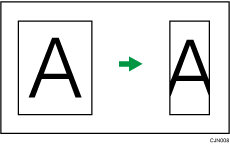
If the receiver's paper is smaller than the size of the original you are sending, the document is automatically reduced to fit onto the paper available at the other end.
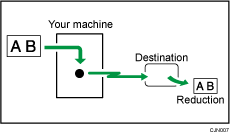

If you turn this function off, the scale of the original is maintained and some parts of the image may be deleted when printed at the other end.
 Press [TX Mode].
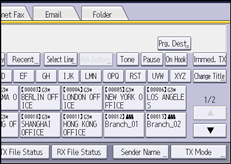
 Select [Option Setting].
 Make sure that [Auto Reduce] is highlighted.
 Press [OK] twice.


