


 Previous
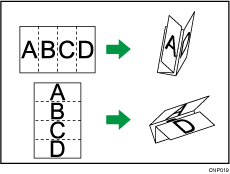
Applies two parallel folds to create four panels (center line main fold, double panel fold).
 Press [Finishing].
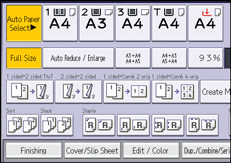
 Press [Folding Unit].
 Press [Dble. Parallel Fold].
 Press [Change].
 Select the items you need from those displayed on the screen.
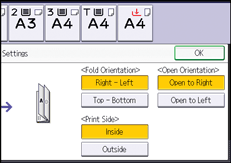
 Press [OK] twice.
 Place the originals, and then press the [Start] key.

Folded copies are delivered to the multi-folding unit only.
The following copier functions are not available when the Double Parallel Fold function is enabled:
Punch
Staple
If the Booklet or Magazine function is selected, the settings for those functions have priority.


