


 Previous
Applying a digital signature to PDF files created from scanned documents helps to detect improper alteration of important documents such as contract documents.

It can be specified for files set to be stored on external storage devices under E-mail, Folder Sending, and Store File settings using the Store to Memory Device function.
To send PDF files with a Digital Signature, a Device Certificate (PDF Digital Signature) must be registered on the machine beforehand. For details, see "Configuring PDFs with Electronic Signatures", Security Guide.
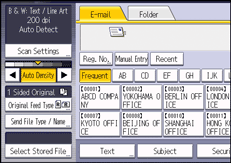
 Press [Send File Type / Name].
 Press [PDF].
If necessary, select [High Compression PDF] or [PDF/A].
 Press [Digital Signature].
 Press [OK].


