


 Previous
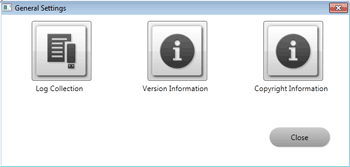
To check system information for RICOH PJ Interactive Software, open the General Settings window.
Touch the icons in General Settings to display and check the system information.
Open the General Settings window as follows:
 If you are using RICOH PJ Interactive Software, quit it first.
For details about how to quit RICOH PJ Interactive Software, see Quitting RICOH PJ Interactive Software .
.
 Click [Start] on the desktop.
 From [All Programs], select [Rioch], [PJ Interactive Software].
 Click [Settings].

To close the General Settings window, Click [Close].


