


 Previous
Adjusts the overall color tone when the copy is reddish or bluish.
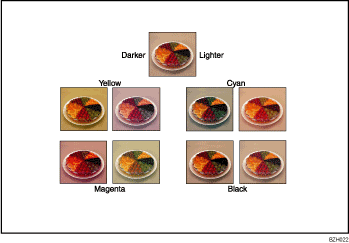
Color balance program
You can store the color balance setting as a color balance program and recall it when you want to use it. For details, see Registering the adjusted color balance .
.
 Press [Edit / Colour].
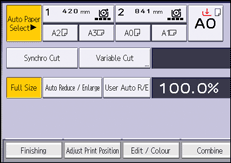
 Press [Colour].
 Press [Adjust Colour].
 Adjust the color balance by pressing [Lighter] or [Darker].
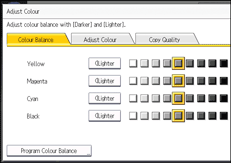
 Press [OK] twice.

This function cannot be used if [Black & White] is selected. If [Black & White] is selected, select another color mode.
When Auto Clear is done, the [Reset] key is pressed, or the power is turned off, the adjusted settings will be deleted and the initial values will be reset.


