




When Printing on Custom Size Paper

When printing on custom size paper, always set the paper in the
 direction.
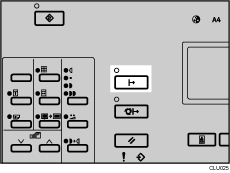
 Press the [Online] key.
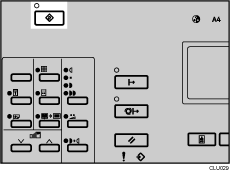
 Press the [User Tools] key.
 Use the [
 ] or [
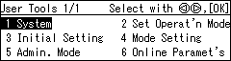
 ] key to select [6 Online Paramet's], and then press the [OK] key.
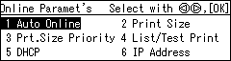
 Use the [] or [] key to select [2 Print Size], and then press the [OK] key.
 Use the [] or [] key to select a paper size that is one size larger than the custom size.
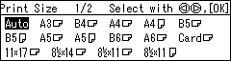
Example: If the size of the paper you select is 200 × 280 mm (7.9 × 11 inches ), the closest size is A4.
 Press the [OK] key.
 Turn the main switch off and on.

