




Exporting the Machine Settings to a SD Card
 Make sure the printer is turned off.
 Insert the SD card in the SD card slot.
 Turn the printer on.
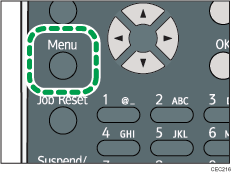
 Press the [Menu] key.
 Press the [
 ] or [
 ] key to select [Maintenance], and then press the [OK] key.
 Press the [ ] or [ ] key to select [Machine Settings Export], and then press the [OK] key.
 When the confirmation screen appears, press [Yes].
 Make sure the message regarding that the exporting process being successfully completed appears, and then press [Exit].
 Turn the printer off, and then remove the SD card on which the exported settings are stored.

For details about inserting the SD card and the slot location, see "Installing the SD Memory Card Options", Hardware Guide.

