












 Manuals
 Contents
 Previous
 Next
Next


| | | |
| |||
| |||
| | | |
| ManualsContentsPreviousNext | | |
Follow the procedure below to set the machine using the control panel when loading standard size paper onto the bypass tray.
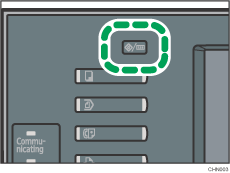
Press the [User Tools/Counter] key on the control panel.
Press [System Settings].
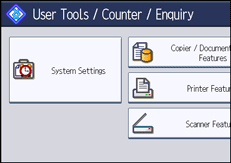
Press the [Tray Paper Settings] tab.
Press [Printer Bypass Paper Size].
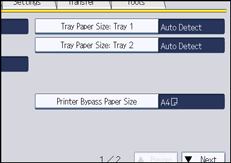
Select the paper size.
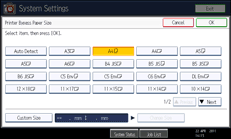
Press [OK].
Press the [User Tools/Counter] key.
The initial screen appears.

The default paper size for the bypass tray is as follows:
 (mainly Europe and Asia)
A4
 (mainly North America)
81/2 × 11
For details about setting printer drivers, see the printer driver Help.
 |
 | Copyright (C) 2011 |
