




Shift Sort
 Make sure that there is no paper on the tray from the last job. If there is paper, remove it.
For details about how to remove paper, see Removing Paper .
.
 Specify the job settings.
For details about how to specify the job settings, see Copy and Document Server Reference.
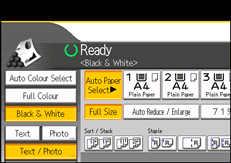
 Select the Sort function (
 ) under Sort / Stack.
 Press [Output/ Customize Function/ Finisher].
 Press [Stacker].
 Press [Stacker Tray], and then press [OK].
 Enter the number of copies with the number keys.
 Place the originals.
To confirm the type of finishing, press the [Sample Copy] key.
 Press the [Start] key.

