




Printing a list of user colours
 Press [Edit / Colour].
 Press [Colour], and then press [User Colour].
 Check the copy paper, and then press [Print Sample of User Colour].
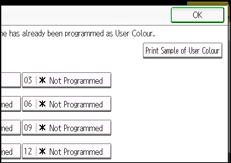
The list of user colours is output.

The list will be copied on an A4
 , 81/2 × 11, A3
 , or 11 × 17 sheet.

