




Simple Screen
This section explains how to switch to the simple screen.
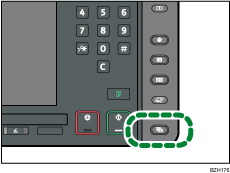
When you press the [Simple Screen] key, the screen changes from the initial display to the simple screen.
Letters and keys are displayed at a larger size, making operations easier.
Example of a simple screen
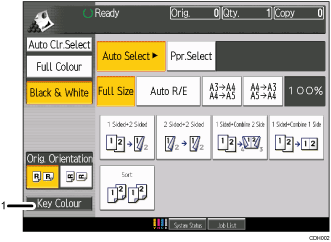
[Key Colour]
Press to increase screen contrast by changing the colour of the keys.
This is available only for the simple screen.

To return to the initial display, press the [Simple Screen] key again.
Certain keys do not appear on the simple screen.

