


Date Stamp
Use this function to print dates on your copies.
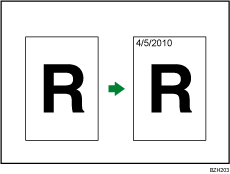
You can select from the following styles:
MM/DD/YYYY
MM.DD.YYYY
DD/MM/YYYY
DD.MM.YYYY
YYYY.MM.DD
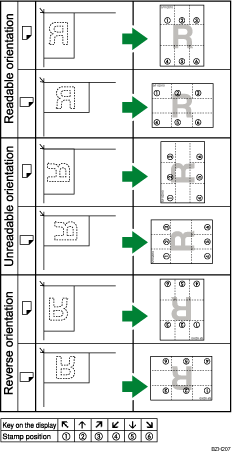
Stamp position and original orientation
The date stamp positions differ according to the orientation in which you place the originals.
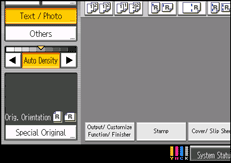
 Press [Stamp].
 Press [Date Stamp].
 Select the stamp format.
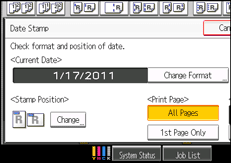
You can change the color and position of the date.
 Press [All Pages] or [1st Page Only] to select the print page.
 After making all settings, press [OK].
 Press [OK].

The default color is black.
You can change the settings for Date Stamp under Stamp in User Tools. For details about Stamp, see Stamp
 .
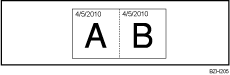
.When Date Stamp is used with the Combine, Magazine, or Booklet function, the date stamp is printed as follows:
With the Combine function
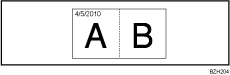
With the Magazine or Booklet function