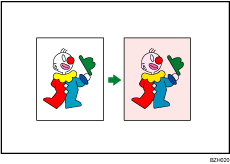



Colour Copying
You can switch the colour copy mode depending on the type of originals used and the desired finish.
You can also erase or convert a certain colour in the original, or add a background colour to the whole page.

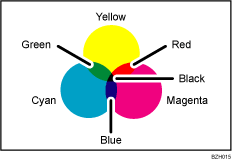
Primary Colours
Colours can be created by combining the three primary colours: yellow, magenta, and cyan. Black can be made by combining yellow, magenta and cyan. However, the machine uses pure black toner to produce true black. This is because the black produced by the colour combination method is not true black. Also, using four toners by adding black to yellow, magenta, and cyan produces truer black and smoother grays.
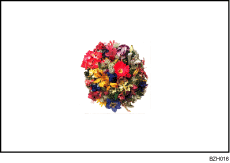
Full Colour
Copies using four colours: yellow, magenta, cyan, and black.
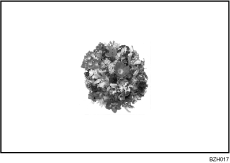
Black & White
Copies in black and white even if the original is coloured.
Convert Colours
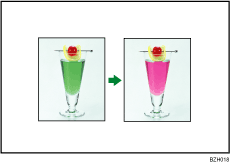
Erase Specified Colour
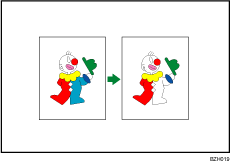
Colour Background