




Booklet Finisher SR5020
This section describes how to suspend a large print job when using the Booklet Finisher SR5020.
 Press the [Suspend/Resume] key.
The key lights up.
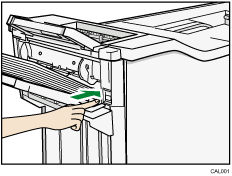
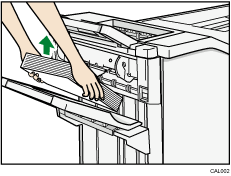
 Remove the stack of paper from the finisher shift tray.
 Press the [Suspend/Resume] key.
The key light turns off and printing restarts.

You can suspend printing only when the finisher's shift tray is selected as the output tray.

