












 Manuals
 Contents
 Previous
 Next
Next


| | | |
| |||
| |||
| | | |
| ManualsContentsPreviousNext | | |
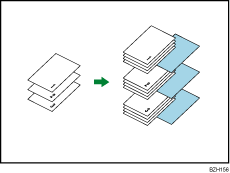
Every time an original page changes, a slip sheet is inserted. You can also print on the inserted slip sheet.
Since a slip sheet is inserted for every page, you can protect printed surfaces.

If [1 Sided  2 Sided] is set, cancel the setting.
Before using this function, select the tray for slip sheets under Slip Sheet in Tray Paper Settings.
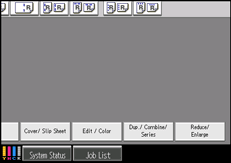
Press [Cover/ Slip Sheet].
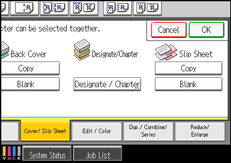
Select [Copy] or [Blank] for the slip sheets, and then press [OK].
Select the main sheet tray that contains the paper to copy the originals.

The slip sheets should be the same size and orientation as the copy paper.
 |
 | Copyright (C) 2010 |
