



Auto Color Calibration
If a certain color is strong or the color of the copy differs from the original, adjust the yellow, magenta, cyan and black balance.
If “ Add Toner” is shown on the display panel, the test pattern cannot be printed.
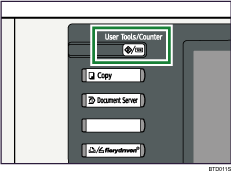
 Press the [User Tools / Counter] key.
 Press [Maintenance].
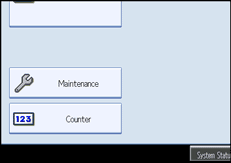
 Press [Auto Color Calibration].
 Press [Start].
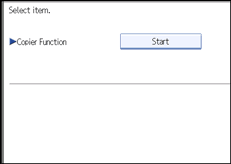
When performing the auto color calibration from the copy function, press [Start] under Copier Function.
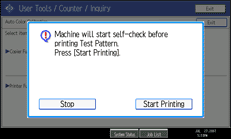
 Press [Start Printing] and a test pattern will be printed.
 Place the test pattern on the exposure glass and press [Start Scanning].
The image will be corrected after “Scanning...Please wait.” disappears.

The test pattern will not be read if it is set in the ADF.
The test pattern will be printed on an A4
 , 81/2 × 11 size page. If A4 is not available, A3
 or B4 JIS (Japanese Industrial Standard) will be used. Make sure to check the paper set in the paper tray.
Set the test pattern in the following way:
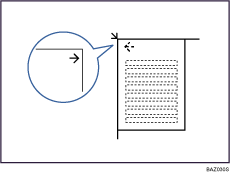
Make sure to set the test pattern on the exposure glass, and then 2 or 3 white sheets, same size as the test pattern, above the test pattern.


