



Changing Modes
This section explains how to change modes.
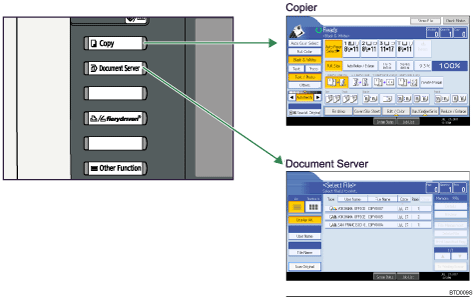

You cannot switch modes in any of the following situations:
During immediate transmission
When accessing User Tools / Counter / Inquiry
During interrupt copying
The copy display is set as the default screen when the machine is turned on. You can change this default setting under Function Priority. See “System Settings”, General Settings Guide.


