



Login (Using the Control Panel)
This section explains the procedure for logging in to the machine when Basic Authentication, Windows Authentication, or LDAP Authentication is set.
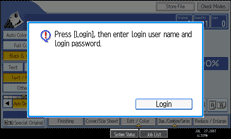
 Press [Login].
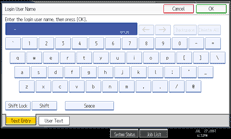
 Enter a login user name, and then press [OK].
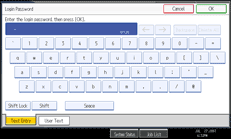
 Enter a login password, and then press [OK].
When the user is authenticated, the screen for the function you are using appears.

If authentication fails, the “Authentication has failed.” message appears. Check that the login user name and login password are correct.

