




Canceling the Print Job
Cancel the print job.
Cancel only the print job being printed
 Check that printing has started.
 Press the [Job Reset] key.
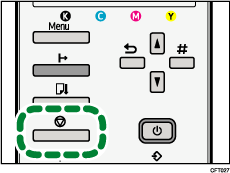
The confirmation screen appears.
| Job Reset? Current Job |
 Press the [#Enter] key.
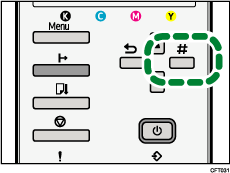
Pressing the [Enter] key will enable you to delete the print job being printed.
The next print job will be processed.
It takes time to cancel the print job.
Cancel all print jobs received
Check that printing has started.
Press the [Job Reset] key.
The confirmation screen appears.
| Job Reset? Current Job |
Press [ ] or [
 ] to display [Job Reset? All Jobs], and then press the [#Enter] key.
| Job Reset? All Jobs |
The confirmation screen appears.
| Reset all received Jobs? |
 Press the [#Enter] key.
All print jobs received will be canceled.
It takes time to cancel the print job.

