




Canceling Printing from the Status Monitor
Follow the procedure below to cancel a print job that is displayed on the status monitor.
 Check that printing and the Status monitor have started.
 Click [Stop Printing].
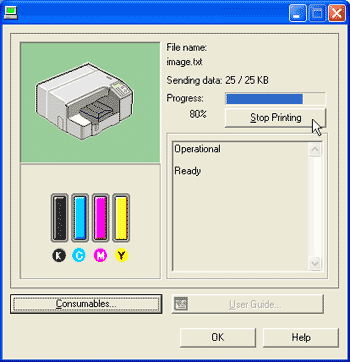
It will take a few moments for printing to stop.


