












 Contents
 Previous
 Next
Next


| | | |
| |||
| |||
| | | |
| ContentsPreviousNext | | |
This section explains the items in the Web browser menu.
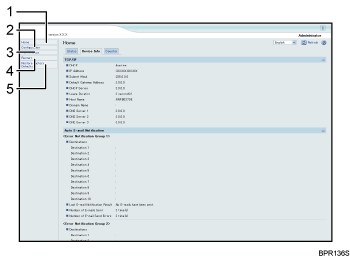
Home
The [Status] and [Device Info] tab are displayed. Details of the tab menu are displayed on the work area.
Configuration
Make system settings for the machine, interface settings, and security.
Maintenance
Click to perform printer maintenance.
Restart
Click to restart the printer and apply the settings.
Restore Factory Defaults
Click to reset the printer.
 |
 | Copyright (C) 2009 |
