




Specifying the Tray Priority for the Printer Function
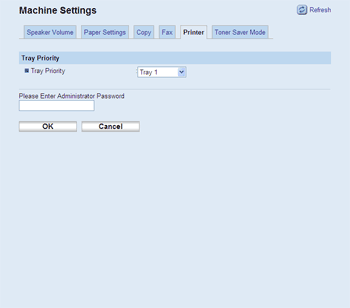
Click the [Printer] tab on the machine settings page to specify the tray priority for the printer function.
Item |
Description |
|---|---|
Tray Priority |
Select the tray that the machine checks first for paper that matches the print job from tray 1, tray 2, or bypass tray. |

If tray 2 is not installed, only [Tray1] appears.

