




Changing Fax Transmission Settings
The procedure for setting the resolution for scanning the original is provided as an example.
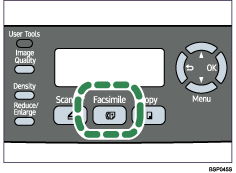
 Press the [Facsimile] key.
 Press any menu key.
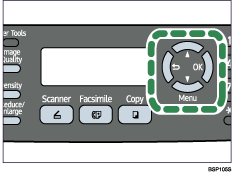
 Press the [
 ][
][ ] keys to select [Resolution], and then press the [OK] key.
| TX Settings Resolution |
 Press the [][] keys to select the desired resolution, and then press the [OK] key.
| Resolution Standard* |
The new setting is displayed with an “ ” symbol, indicating that the setting has been changed.
 Confirm the setting, and then press the [
 ] key.
 Press the [Clear/Stop] key to return to the initial screen.

You can press the [
] key to exit to the previous level of the menu tree.

