




Checking the Counter Information
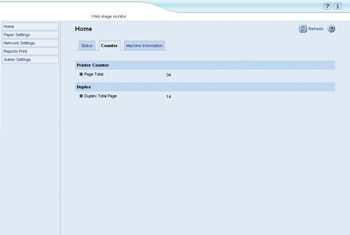
Click the [Counter] tab on the main page to check the counter information.
Item |
Description |
|---|---|
Page Total |
Shows the total number of pages printed using the printer driver, lists/reports printed from the [Reports Print] menu. |
Item |
Description |
|---|---|
Duplex Total Page |
Shows the total number of pages printed on both sides. |

Duplex counter appears for the Type 2 model only.
A sheet printed on both sides counts as two printed pages.

