












 Manuals
 Contents
 Previous
 Next
Next


| | | |
| |||
| |||
| | | |
| ManualsContentsPreviousNext | | |
This section explains how to turn off the power.
Make sure the ADF is in the right position.
Press the operation switch.
The operation switch indicator goes off.
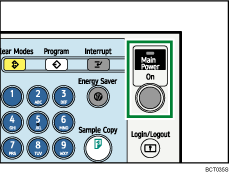

Even if you press the operation switch, the operation switch indicator does not go out, but blinks in the following cases:
When the ADF is open.
During communication with external equipment.
When the hard disk is active.
When the internal cooling fan is active.
If a file is waiting to be transmitted within the next minute using the "Send Later" facsimile function.
 |
 | Copyright (C) 2009 |
