




Pausing Printing When Using the Finisher or the Booklet Finisher
Use the following procedure to temporarily interrupt a long print run when using the Finisher or the Booklet Finisher.
 Press the [Suspend/Resume] key.
The key lights and printing stops.
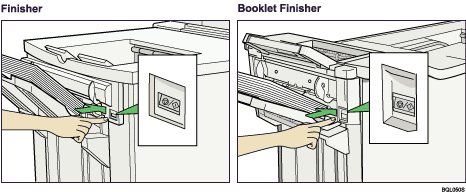
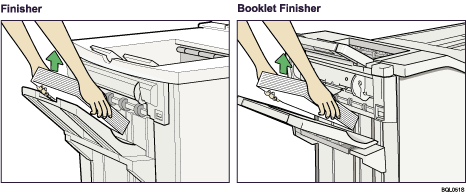
 Remove the stack of paper from the Finisher Shift Tray.
 Press the [Suspend/Resume] key.
The key's light turns off. To restart printing, press [Online] on the machine's control panel.

You can suspend printing only if the output tray is specified as the Finisher Shift Tray.
Depending on the print image, the prints might not be stacked properly. In such a case, pause printing, remove the prints, and then resume printing.

