




Setting the Password for Printer Settings
Use the following procedure to change the password for printer setting.
To perform this operation, you must enter the password for printer settings.
 Press the [User Tools] key.
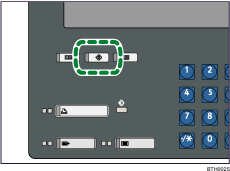
 Press [Printer Features].
 Press [Administrator Configuration].
 Press [Printer Settings].
 If the screen for entering password appears, enter the password for printer settings, and then press [OK].
 Press [Password for Printer Settings].
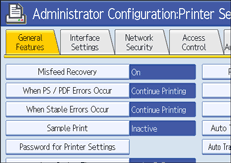
 Enter the new password, and then press [OK].
 Re-enter the new password again to confirm it, and then press [OK].
 Press the [User Tools] key.
The screen returns to the initial display.

If you forget the password for printer settings, contact your administrator.

