




Changing the Default Settings
Use the following procedure to change the User Tools settings.
If Menu Protect is enabled, you must enter the password for printer settings to configure these settings.
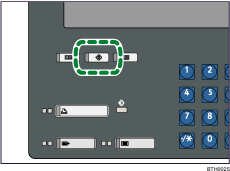
 Press the [User Tools] key.
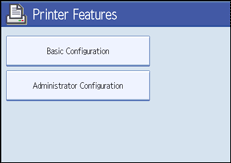
 Press [Printer Features].
 Press [Basic Configuration].
 Select the item whose settings you want to change.
 If a message prompting you to enter a password appears, enter the password for printer settings, and then press [OK].
 Change the settings by following the instructions on the display.
 Press [OK].
 Press [Exit] to return to the [Printer Features] screen.
Press the [User Tools] key to return to the normal screen.

