




Canceling a Print Job Using the Control Panel
Follow the procedure below to cancel printing using the control panel.
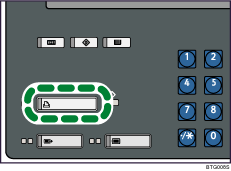
 Press the [Printer] key.
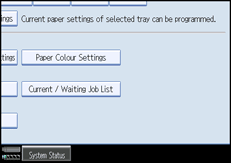
 Press [Current / Waiting Job List].
 Select the job being processed.
 Press [Delete].
 Press the [Printer] key.
The screen returns to the initial display.
 Press [Online].

