




Printing a Finishing Sample
Use the following procedure to print a finishing sample.
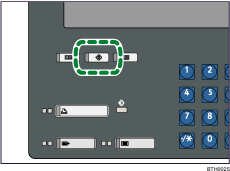
 Press the [User Tools] key.
 Press [Adjustment Settings for Operators].
 Press [To Print Screen].
The print screen appears.
 Press [Print Finishing Sample].
 Specify the necessary print settings such as source paper tray and output tray.
 Press [Start Printing].

