




Registering the current configuration as a Tray Paper Setting
Use the following procedure to register the current configuration of a selected paper tray as a Tray Paper Setting and assign a preset number to the configuration.
If the printer settings are password-protected and Menu Protect is enabled, you must enter the password for printer settings to configure this setting.
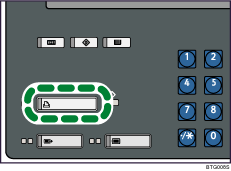
 Press the [Printer] key to display the normal screen.
 Select the tray whose current configuration you want to register as a Tray Paper Setting.
 Press [Program Tray Paper Settings].
 If a message prompting you to enter a password appears, enter the password for printer settings, and then press [OK].
 Select the registration number for the settings you have registered.
 Press [OK].
The screen returns to the initial display.

