




Enabling Sample Print
This procedure can only be performed by the administrator.
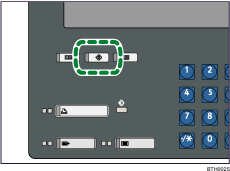
 Press the [User Tools] key.
 Press [Printer Features].
 Press [Administrator Configuration].
 Press [Printer Settings].
 If the screen for entering password appears, enter the password for printer settings, and then press [OK].
 Press [Sample Print].
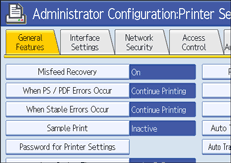
 Press [Active], and then press [OK].
 Press the [User Tools] key.
The screen returns to the initial display.

