




Registering a User Code
This section describes how to register a user code.
 Press the [User Tools] key.
 Press [System Settings].
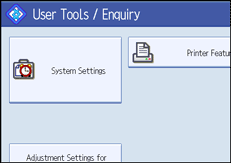
 Press [Administrator Tools].
 Press [Address Book Management].
 Check that [Program / Change] is selected.
 Press the user you want to register, or enter the user's registration number using the number keys.
You can search by the registered name.
 Press [Auth. Info].
 Enter the user code using the number keys, and then press the [
 ] key.
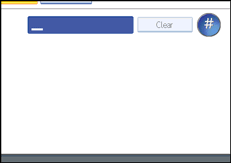
If you make a mistake, press [Clear] and then enter the correct user code.
The [Clear] key on the machine's control panel can also be used.
 Press [
 Next].
 Select the functions to be used with the user code from "Available Functions".
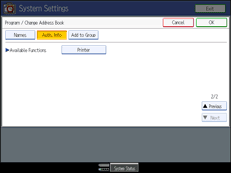
 Press [OK].
 Press [Exit].
 Press the [User Tools] key.

You can enter a one to eight-digit user code.
To register the name, see "Registering Names".


