




Changing Default Settings
This section describes how to change the settings of User Tools.

If Administrator Authentication Management is specified, contact your administrator.
 Press the [User Tools] key.
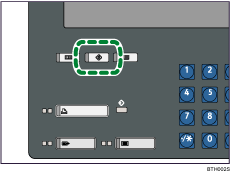
 Press [System Settings].
 Select the user tool you want to change.
 Change settings by following instructions on the display, and then press [OK].
 Press [Exit] to return to the System Settings screen.
To return to the normal screen, press the [User Tools] key.

For details about specifying System Settings, see "System Settings".
For details about specifying other settings such as changing the language, checking enquiry and counter, see "Remarks", About This Machine.


