




Changing the PCL Menu
Follow the procedure below to change the setting for Orientation.
 Press the [Menu] key.
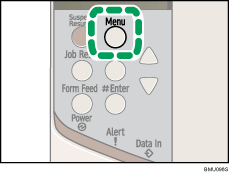
The [Menu] screen appears.
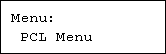
 Press the [
 ] or [
 ] key to display [PCL Menu], and then press the [
 Enter] key.
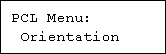
 Press the [] or [] key to display [Orientation], and then press the [ Enter] key.
 Press the [] or [] key to display [Portrait], and then press the [ Enter] key.
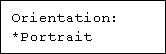
Wait two seconds. The [Orientation] screen appears.
 Press the [Menu] key.
The initial screen appears.

