




Turning off the Power
Use this procedure to turn off the printer's power.
 Press the [Menu] key.
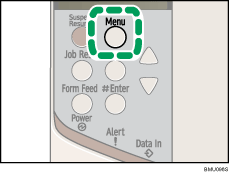
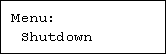
 Press the [
 ] or [
 ] key to display [Shutdown], and then press the [
 Enter] key.
 Press the [ Enter] key.
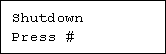
 Wait until a screen prompting you to turn off the main power appears, then turn the power switch to Off.

Even if you follow the shutdown procedure, the machine might not shutdown in the following cases:
If it is communicating with external devices.
If the hard disk is active.

