




Registering an E-mail Destination
This section describes how to register an e-mail destination.
 Press [System Settings].
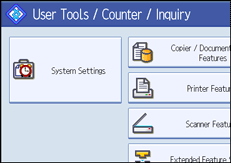
 Press [Administrator Tools].
 Press [Address Book Management].
 Check that [Program / Change] is selected.
 Select the name whose e-mail address you want to register.
Press the name key, or enter the registered number using the number keys.
 Press [E-mail].
 Press [Change] under "E-mail Address".
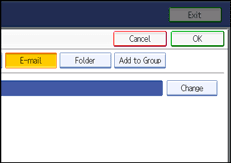
 Enter the e-mail address.
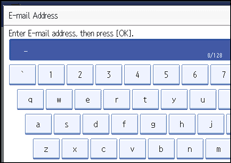
 Press [OK].
 Press [OK].
 Press [Exit].
 Press the [User Tools/Counter] key.

You can enter up to 128 characters for the e-mail address.
To register the name, see "Registering Names".


