












 Manuals
 Contents
 Previous
 Next
Next


| | | |
| |||
| |||
| | | |
| ManualsContentsPreviousNext | | |
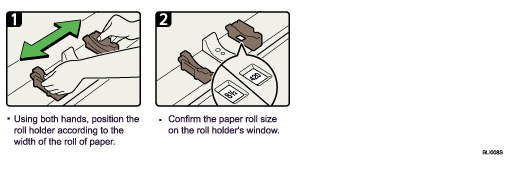
This section describes how to change the paper size in the paper roll tray.

When you use the printer function, set the [Paper Volume] again after loading the paper roll. See "Tray Paper Settings", General Settings Guide.
When you change the paper size or paper type, make the paper size or type settings under System Settings. See "Tray Paper Settings", General Settings Guide.
 |
 | Copyright (C) 2008 |
