




Adjusting the Print Settings for GL/2 & TIFF Filter
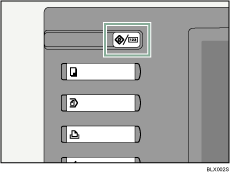
 Press the [User Tools/Counter] key on the control panel.
 Press [Extended Feature Settings].
 Press [GL/2 & TIFF].
 Press the setting you want to make.
General Settings
Can be applied regardless of data format.
GL/2 Print Settings
Can be applied to GL/GL2 data only.
TIFF/CALS Print Settings
Can be applied to TIFF/CALS data only.
 Configure the settings.
 When you have finished making settings, press [Exit].
Print Settings for GL/2 & TIFF is displayed.
 Press the [User Tools/Counter] key.
The initial screen appears.

