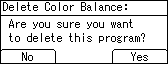



Deleting the color balance
Deletes the settings stored in color balance programs.
 Press the [
 ] key.
When [Auto Paper Select] is selected, proceed to step 3.
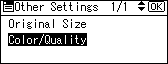
 Select [Color/Quality] using [
 ] or [
 ], and then press the [OK] key.
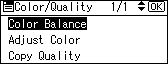
 Select [Color Balance] using [] or [], and then press the [OK] key.
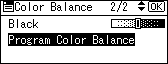
 Select [Program Color Balance] using [] or [], and then press the [OK] key.
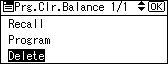
 Select [Delete] using [] or [], and then press the [OK] key.
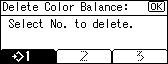
 Select the program number you want to delete, and then press the [OK] key.
 Press [Yes].