




Slip Sheets
This section explains the Slip Sheet Function that inserts a slip sheet between each page. When this function is enabled, paper is fed alternately from two trays.

This function is available only if two or more paper trays are installed on the machine.
When duplex or cover printing is set, you cannot insert slip sheets.
Inserting a slip sheet between each page
Print
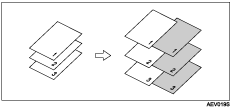
Blank
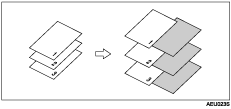
Inserting a slip sheet between OHP transparencies
Print
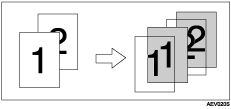
Blank
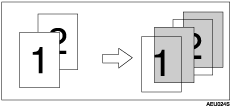

Collate cannot be set when using slip sheets.
The slip sheet should be the same size and orientation as the main paper.
If "Auto Tray Select" has been set as the paper feed tray for the body paper, the paper will be delivered from a tray containing paper in
 orientation. Therefore, when the cover paper has been set to
  orientation, the orientation of the output cover paper and body paper will be different.
The same paper feed tray cannot be set for the main paper and slip sheets.

