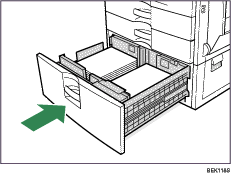



2000-sheet Paper Feed Unit
 Carefully pull out the paper tray until it stops.
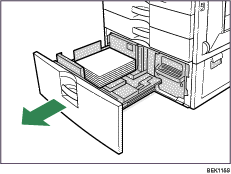
 Holding the lever on the right side of the tray, pull the tray completely out.
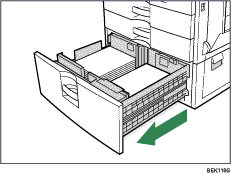
 Remove the loaded paper.
 Wipe the friction pad with a soft damp cloth.
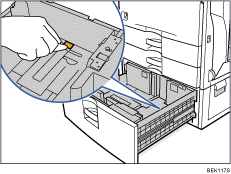
 Reload the paper into the paper tray and push it gently into the printer until it stops.