




Color registration
If the color documents show registration shifting, perform automatic color registration.
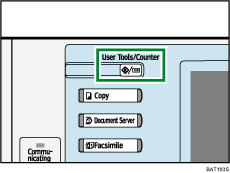
 Press the [User Tools / Counter] key.
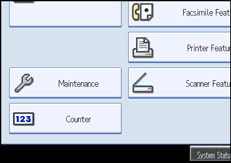
 Press [Maintenance].
 Press [Color Registration].
 Press [OK].
Auto color registration takes about fifteen to thirty seconds. When it is completed, the display returns to the color registration menu.
 When you have made all the settings, press the [User Tools / Counter] key.
The initial display is shown.

