






Canceling Printing Using the [Clear/Stop] Key of the Printer
Follow the procedure below to cancel a print job being printed.
 Check that printing has started.
Not only the print job being printed but also the print jobs in queue will be canceled.
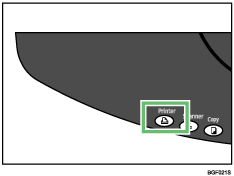
 Press the [Printer] key.
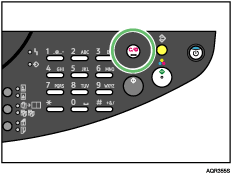
 Press the [Clear/Stop] key.
 Press the [Yes] key.
| Cancel Print Job? Yes / Continue=No |
It will take a few moments for printing to stop.

To cancel a print job using the [Clear/Stop] key, you must first press the [Printer] key to switch the display to the printer function screen.

