






Changing Modes
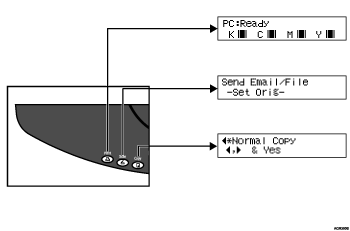
The copier function screen is displayed after power on.
Copy
If you press any of the following keys, the machine switches to the copier screen and the copy indicator lights:
[2 in 1 / Sort] key.
[Zoom] key.
[Select Paper Tray] key.
Function Priority
If the machine is rebooted by [Auto Reset Time] or switched off and then back on, it is reset and its initial settings are restored. You can specify the machine's initial settings using [Func. Priority] under [System Settings].

You cannot switch modes during initial setup.
To perform a function using the control panel, first press the function key to switch the display to the appropriate function screen.
If a printing error occurs while a function key other than the [Printer] key is lit, press the [Printer] key to view the error message.

